
A simple, trustworthy
companion for your worship
Diyanet's official prayer times with adhan notifications, a Ramadan timetable, the Holy Quran with the Saheeh International translation, a qibla compass, hadiths and the Hijri calendar — all in one app, in six languages.
For iPhone and Android. Core features are free, no account required.
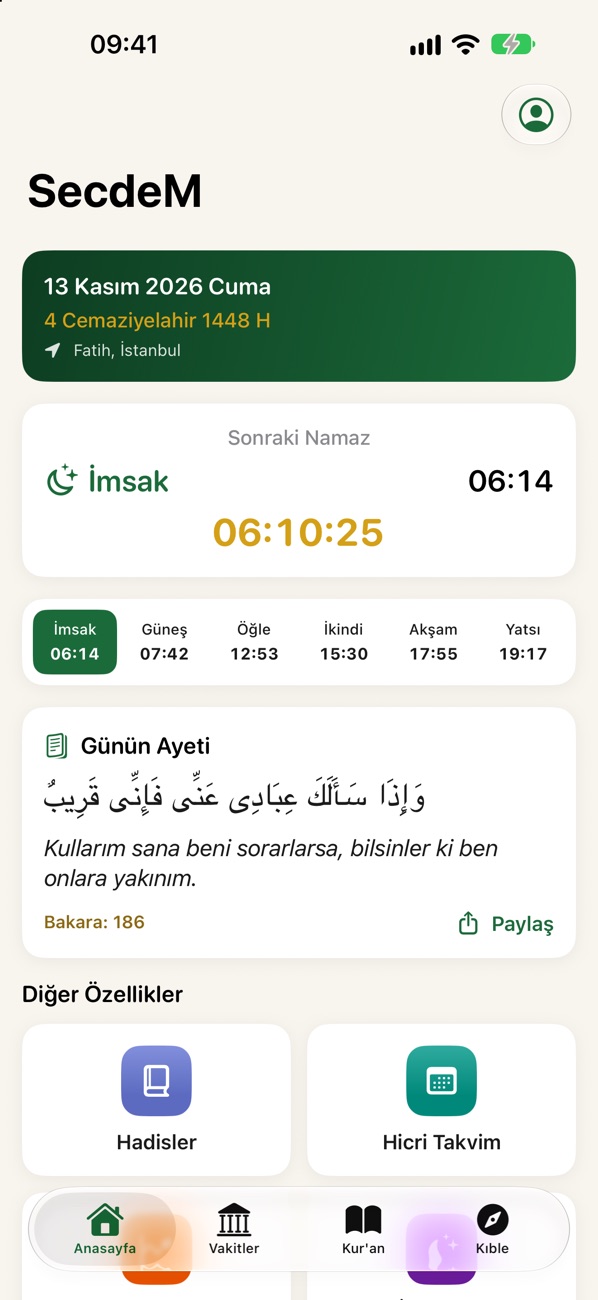
With you at every hour of the day
Accurate times for wherever you are, a Quran that is easy to read, and everything else you need.
Diyanet's official district prayer times
Times come from the district timetables published by the Turkish Presidency of Religious Affairs (Diyanet), and you can see at a glance how long until the next prayer.
- Your district in Türkiye is detected automatically, or you can pick a country, province and district yourself (including outside Türkiye)
- Prayer notifications with the adhan, plus a reminder you can set in minutes
- Live countdown on the iPhone Lock Screen and in the Dynamic Island
- Home Screen and Lock Screen widgets — no need to open the app
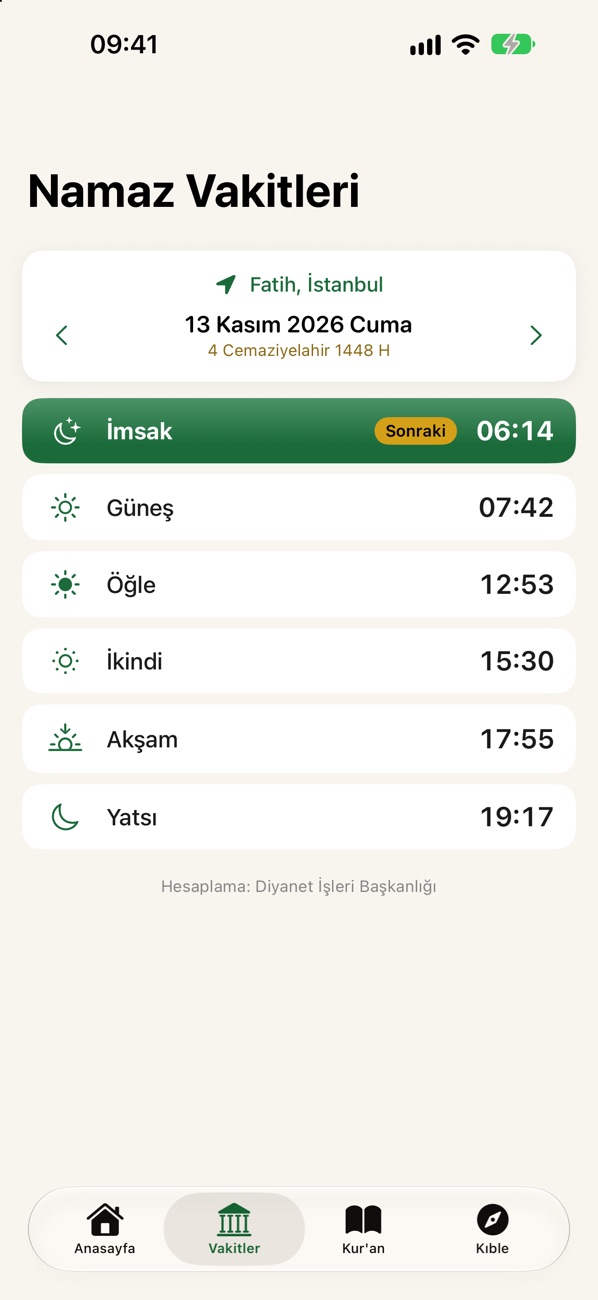
Ramadan timetable and iftar countdown
Suhoor and iftar times for every day of Ramadan in a single table, with today highlighted and a live countdown to iftar and suhoor.
- Ramadan days based on Diyanet's official Hijri calendar
- Official imsak and maghrib times for your selected district
- Outside Ramadan, the number of days until the next one
- Iftar countdown on the iPhone Lock Screen and in the Dynamic Island
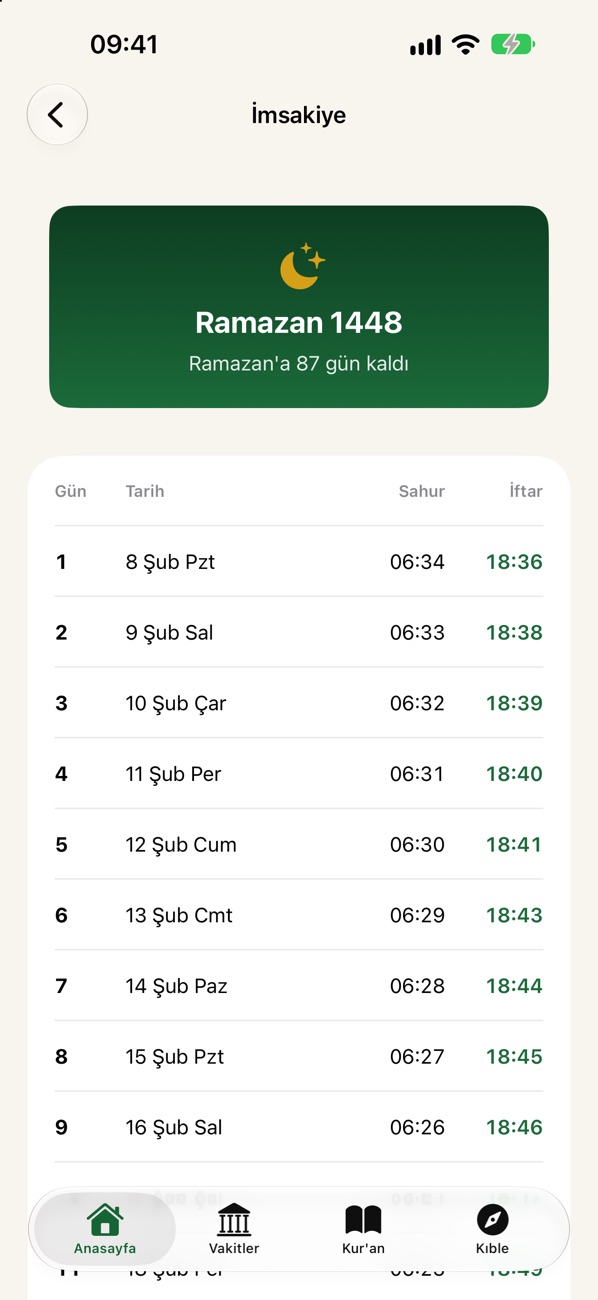
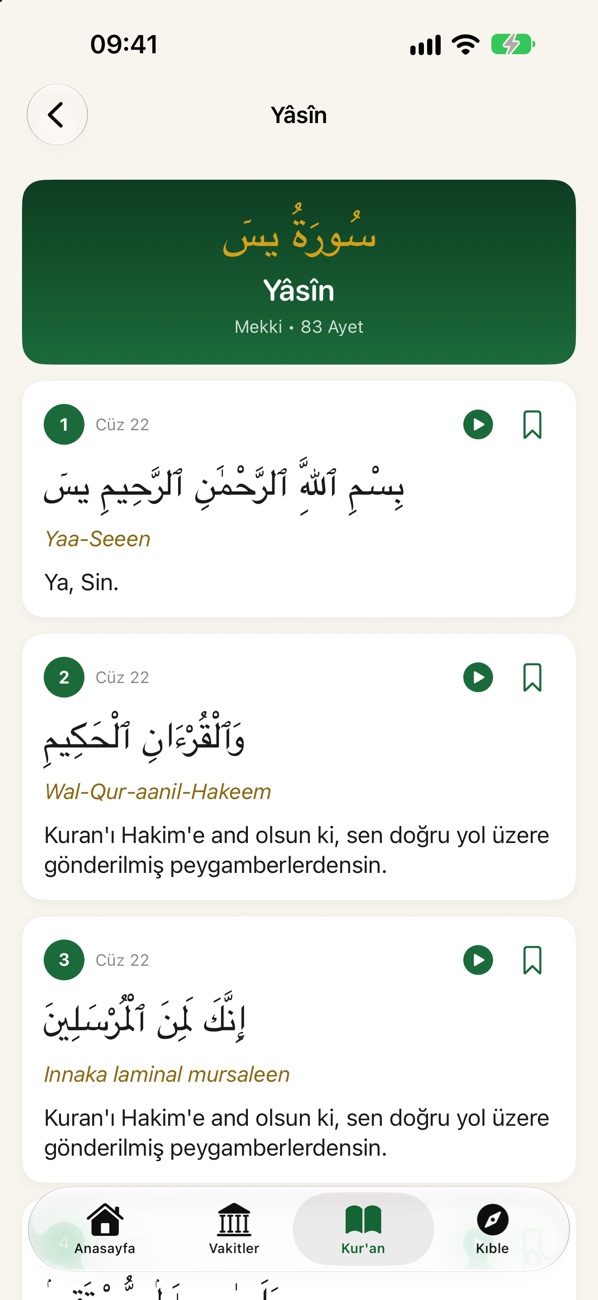
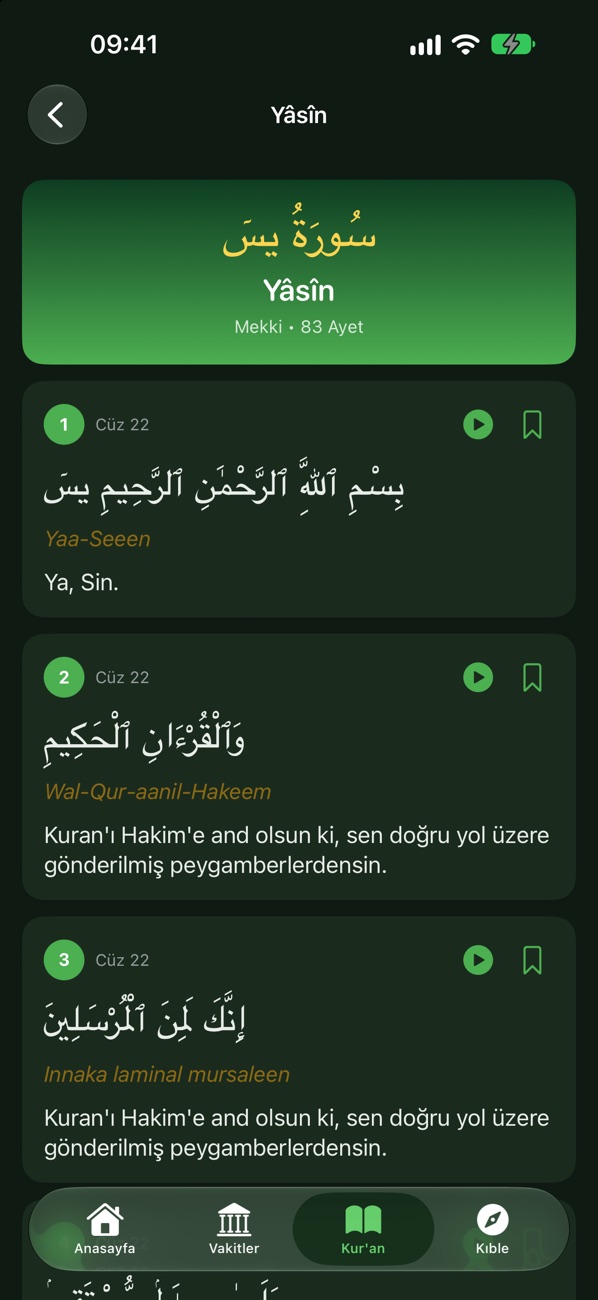
Arabic text, transliteration and the Saheeh International translation together
All 114 surahs; bookmark verses, search them and pick up right where you left off with a single tap.
- Arabic text in Uthmani script, with Latin transliteration
- The Saheeh International English translation, or a translation in your own language
- Continue where you left off, bookmarks and verse search
- Verse-by-verse recitation by eight reciters · Premium
- Khatm tracking with a daily goal · Premium
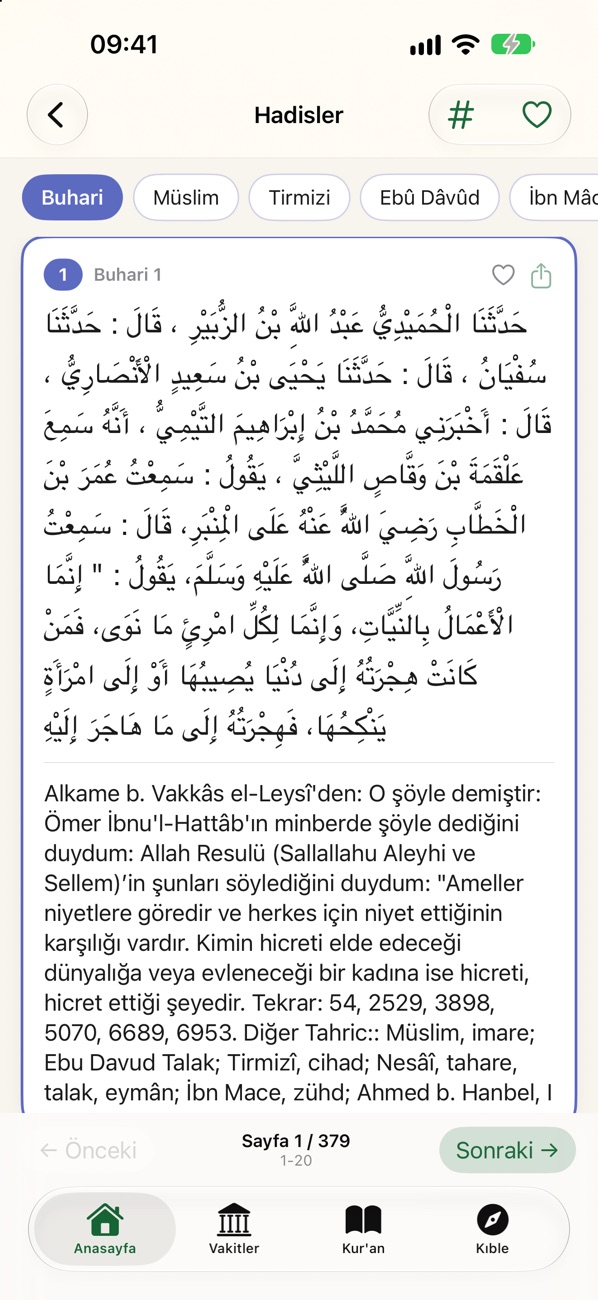
Seven hadith collections, in the original Arabic with English translation
Bukhari, Muslim, Tirmidhi, Abu Dawud, Ibn Majah, the Muwatta and Nawawi's Forty Hadith — more than 30,000 hadiths.
- Jump straight to a hadith number or browse page by page
- Favorite hadiths
- A hadith of the day on the home screen (from the Forty Hadith)
- Share hadiths as themed images · Premium
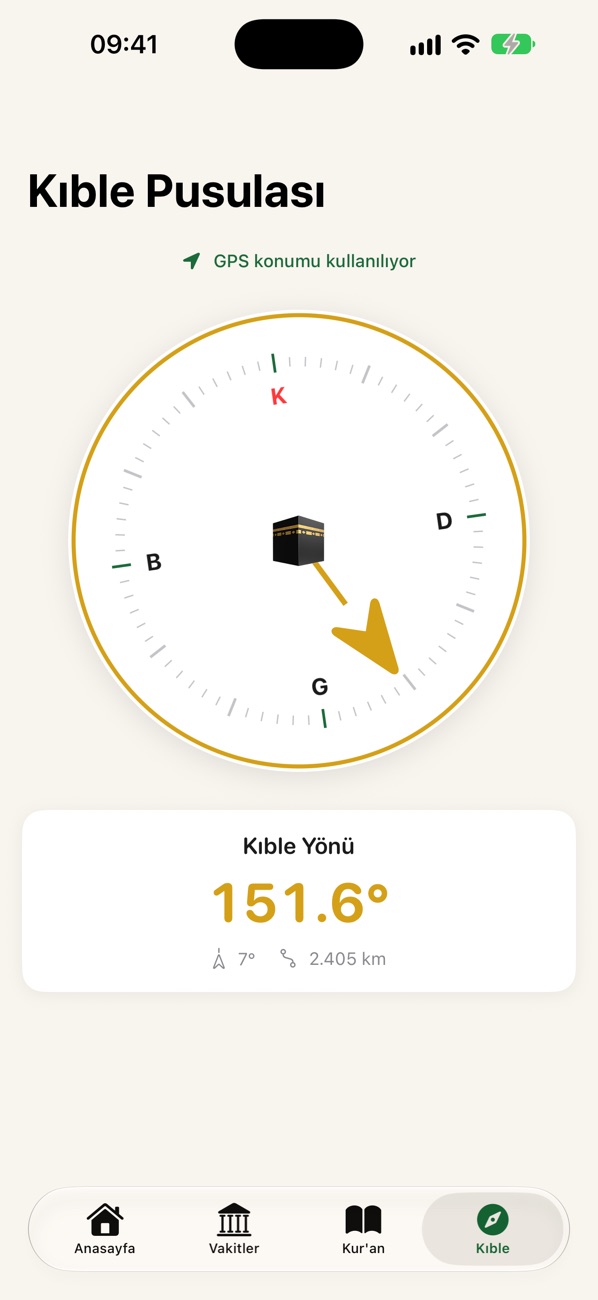
The direction of the Kaaba, in your pocket
The compass shows the direction of and distance to the Kaaba from where you are, and gives a gentle vibration when you are facing the qibla.
- Precise direction based on true north
- Calibration alert
- Distance to the Kaaba
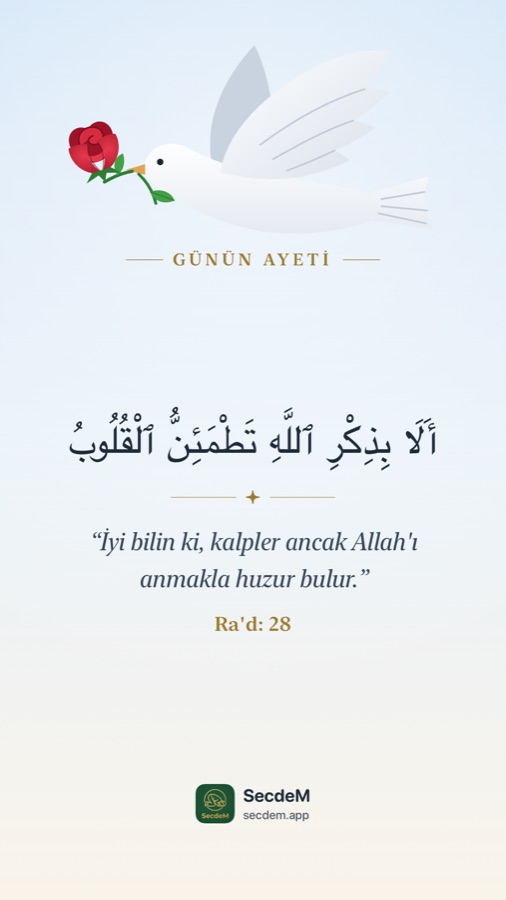
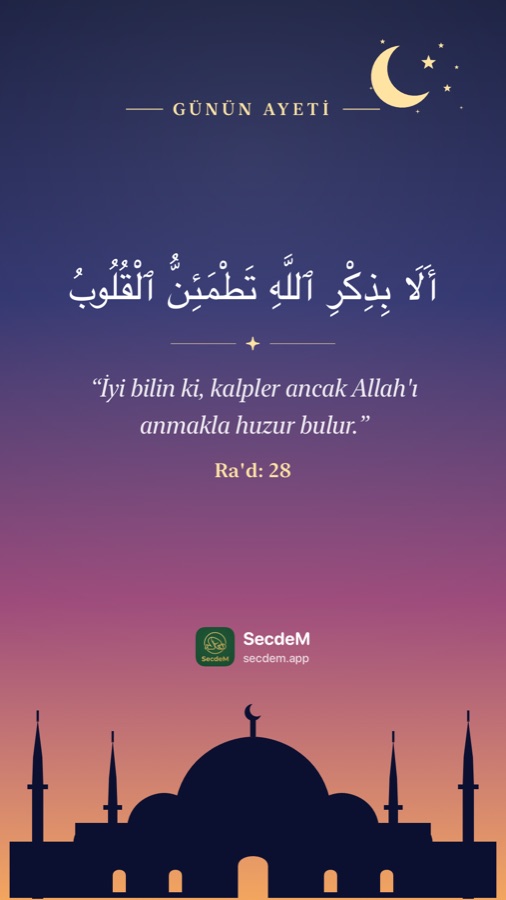
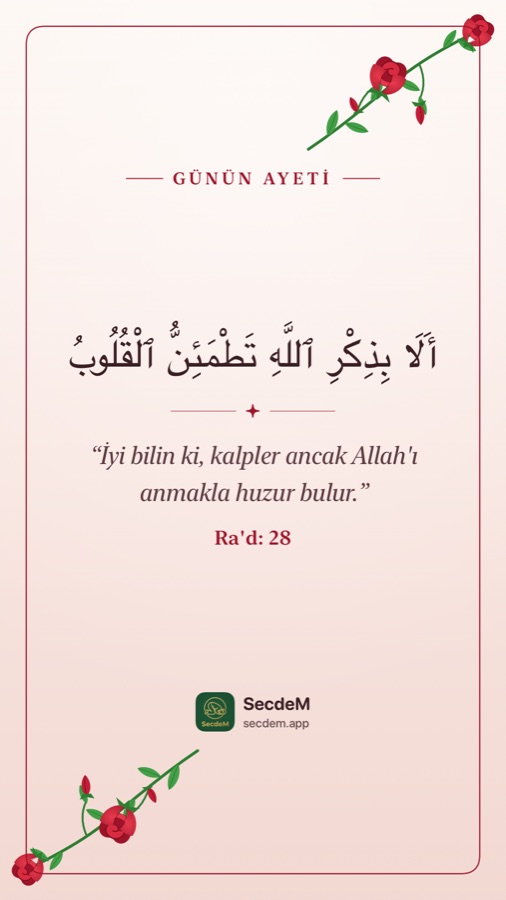
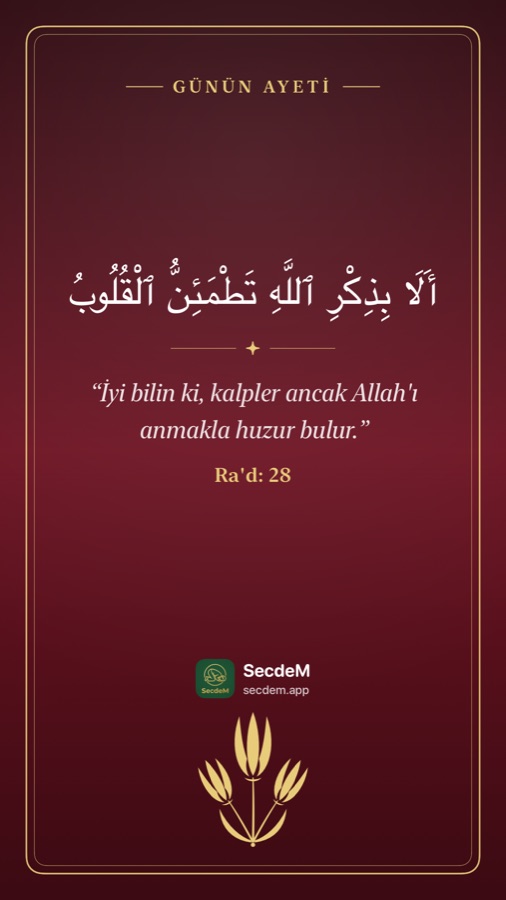
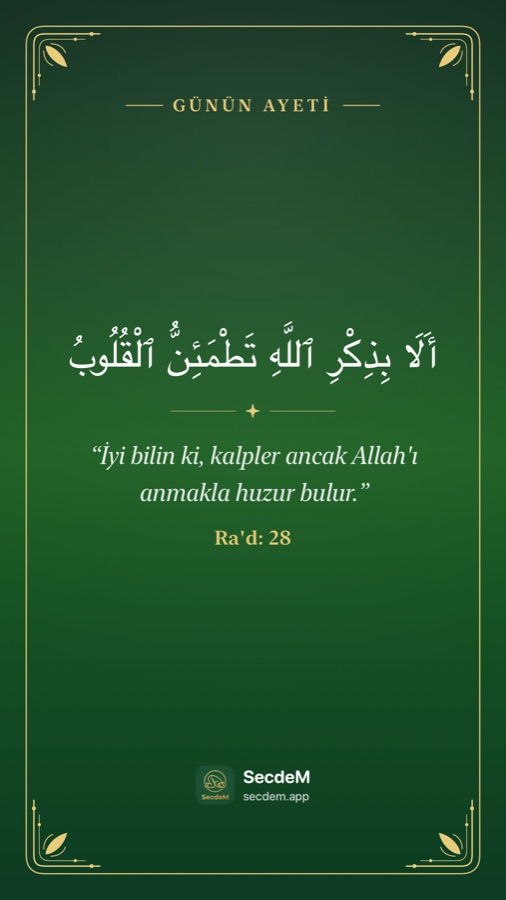
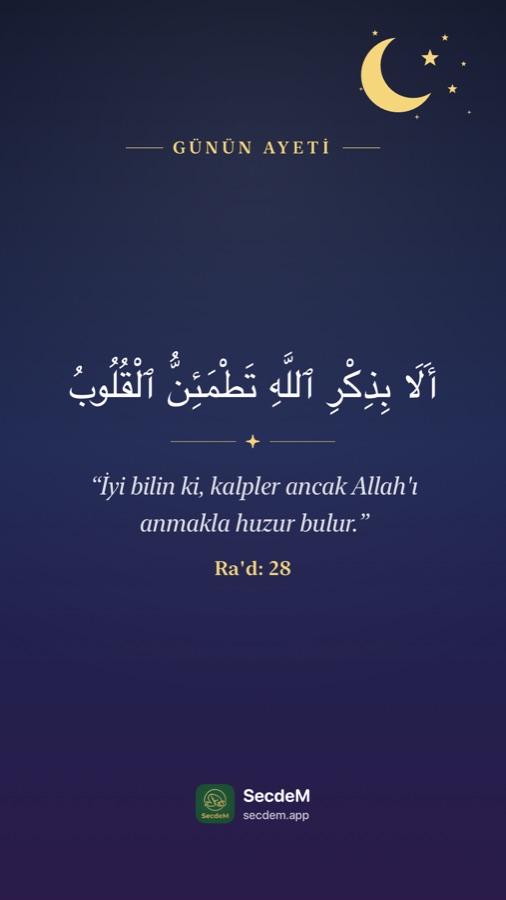
Share the verse of the day, beautifully
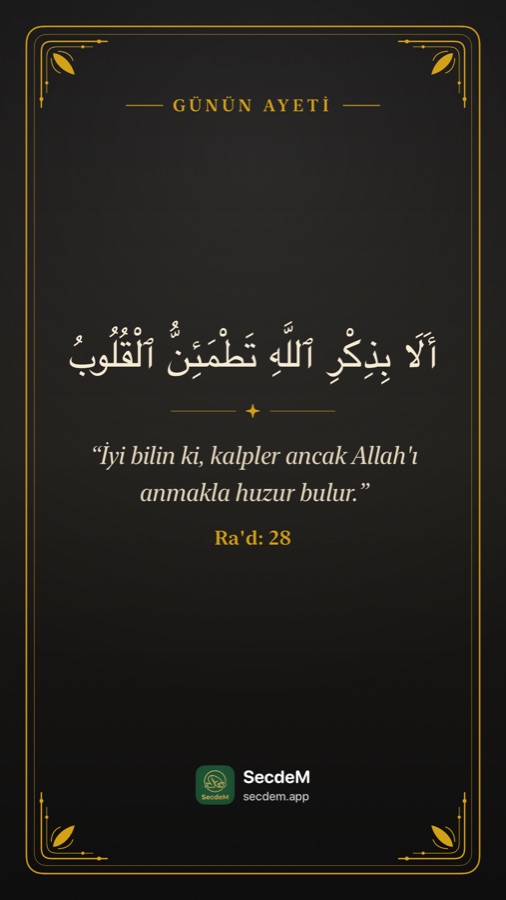
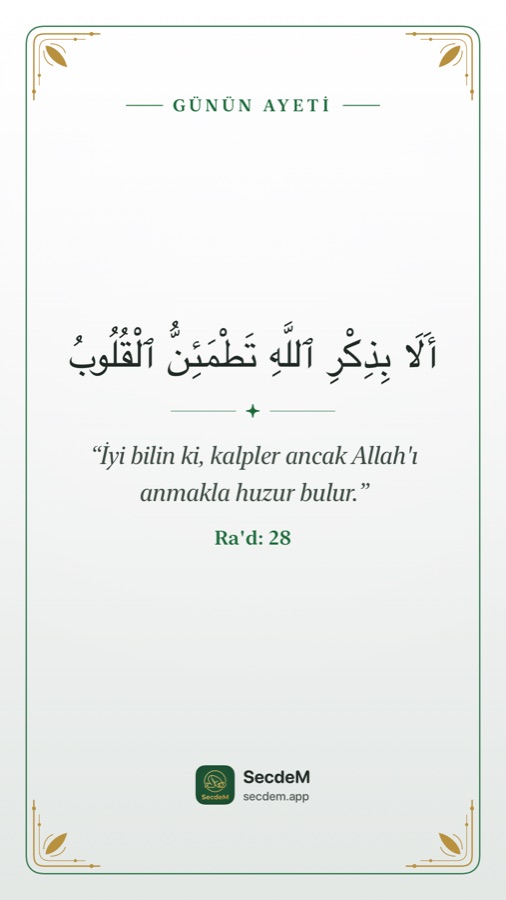
A new verse every day. Choose from eight custom designs — from a dove holding a rose to Ottoman tulips and a mosque silhouette at dusk — and send it to your Instagram story or WhatsApp status with a single tap.
Everything you need, in one place
Lock Screen Countdown
On iPhone, the next prayer and iftar count down live on the Lock Screen and in the Dynamic Island.
Hijri Calendar
Based on Diyanet's official Hijri calendar, with holy nights, Ramadan and Eids marked.
Zakat Calculator
Nisab and zakat due from your gold, silver, cash and debts — in a currency that follows your language (US dollars in English).
Six Languages
Turkish, English, Arabic, German, French and Indonesian — with Quran and hadith translations in the language you choose.
Dark Mode
An easy-on-the-eyes dark theme for reading at night.
Respects your privacy
No ads, no tracking. Your location coordinates are never sent to our servers.
Listen to the Quran, read it offline, track your khatm
All of the app's core features are free. With Premium you get:
- Verse-by-verse recitation from your choice of eight reciters: Alafasy, Abdul Basit, Husary, Minshawi, Sudais, Shuraym, Al-Muaiqly and Al-Ghamdi
- Automatic playback of the next verse; keep listening from the Lock Screen and in the background
- Download surahs and their audio to read and listen without an internet connection
- Khatm tracking with a daily goal
- Six custom sharing themes, plus sharing hadiths as images
Frequently asked questions
Is SecdeM free?
Yes. Prayer times, adhan notifications, the Ramadan timetable, the Lock Screen countdown, the Holy Quran, qibla, hadiths, the Hijri calendar and the zakat calculator are all free. An optional Premium subscription adds audio recitation, offline reading and listening, khatm tracking, custom sharing themes and hadith sharing.
How are prayer times calculated?
The times are the official district prayer times published by the Turkish Presidency of Religious Affairs (Diyanet). In Türkiye, your district is detected automatically from your location; you can also choose a country, province and district manually under Settings → Prayer Location. Days Diyanet hasn't published yet are calculated using the same method. If you don't grant location access, Istanbul times are shown.
Are there notifications with the adhan?
Yes. Under Settings → Notification Sound you can choose the adhan, a short sound or the system sound. The adhan plays at the exact start of each prayer time (except sunrise). Because iPhone limits notification sounds to 30 seconds, only the opening of the adhan plays there.
How do I turn on the Lock Screen countdown?
On iPhone, turn on Settings → Lock Screen Countdown. The next prayer (iftar during Ramadan) then counts down second by second on the Lock Screen and in the Dynamic Island.
Are the Hijri dates and Eid days accurate?
Yes. Hijri dates, holy nights and Eids are taken from the official calendar of the Turkish Presidency of Religious Affairs (Diyanet) and updated on our server twice a day. When you're offline, the app uses the most recent calendar it received.
Which languages is it available in?
Turkish, English, Arabic, German, French and Indonesian. The language is chosen automatically based on your device and can be changed in Settings; the Quran translation, hadith translations and zakat currency also follow the language you choose.
Can I use it without an internet connection?
Prayer times, notifications and the qibla work offline using the most recently downloaded data. With Premium, you can download surahs and their audio to read and listen without an internet connection.
How do I share the verse of the day?
Tap Share on the Verse of the Day card on the home screen, pick the theme you like and tap Share again. You can send the image anywhere you like — Instagram, WhatsApp, Photos and more.
Do I need to create an account?
No. An account is only needed to use your Premium membership across devices. You can sign in with email, Apple or Google.
Is my data safe?
We don't use ads or tracking tools, and we never sell your data. Your password is stored using irreversible hashing, and all connections are protected with HTTPS. See our Privacy Policy for details.
How do I delete my account?
In the app, go to Profile → Delete My Account. For details, see the Account Deletion page.

Coming soon to the app stores
Questions or suggestions? Write to us at [email protected]